
pocketauroraPapers
Your papers, found by the words on them.
For the bills, contracts, warranties and letters every household collects.
In developmentJoin the waitlist
A personal document archive, starting on iPhone, with iPad and Android planned. It is not in the App Store yet. It will be free for good, with 1 GB in the cloud.
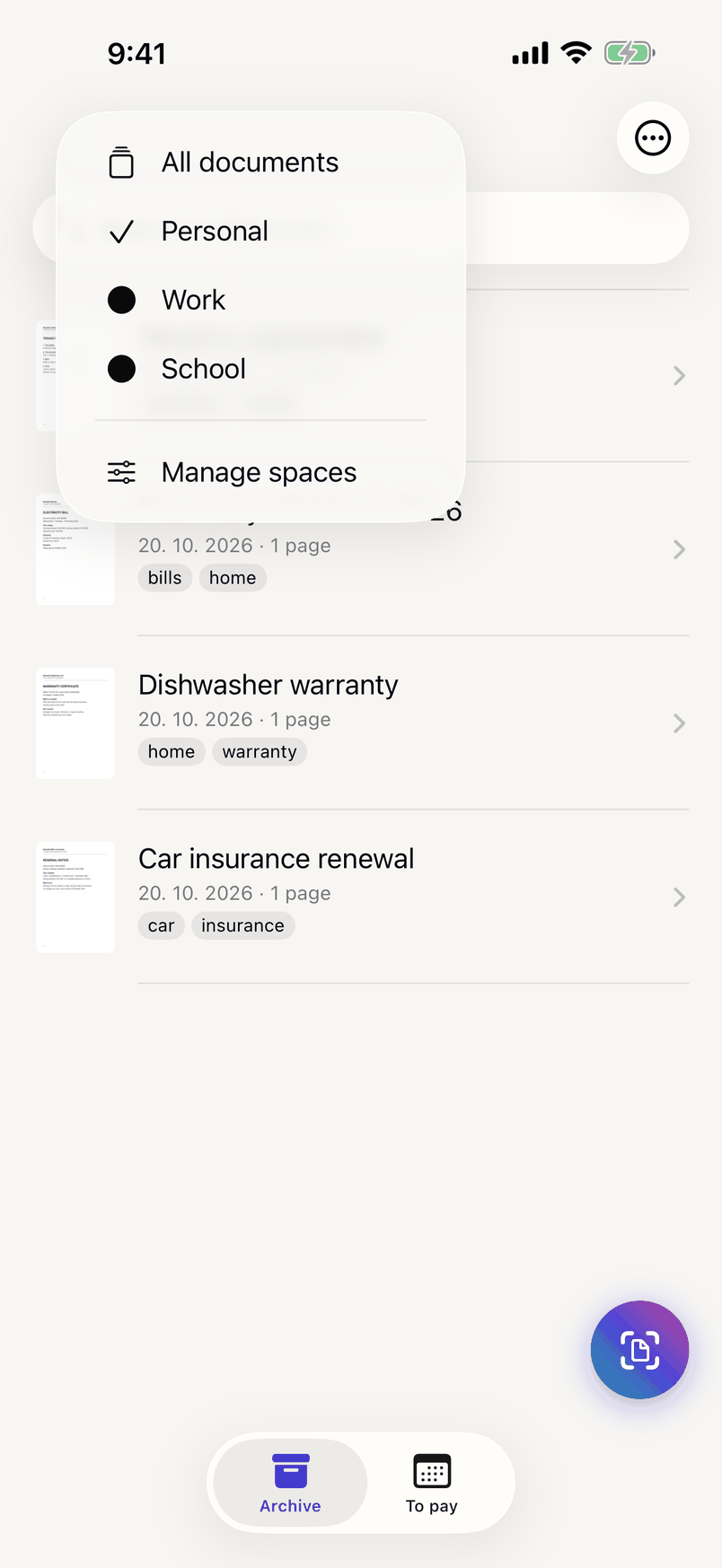
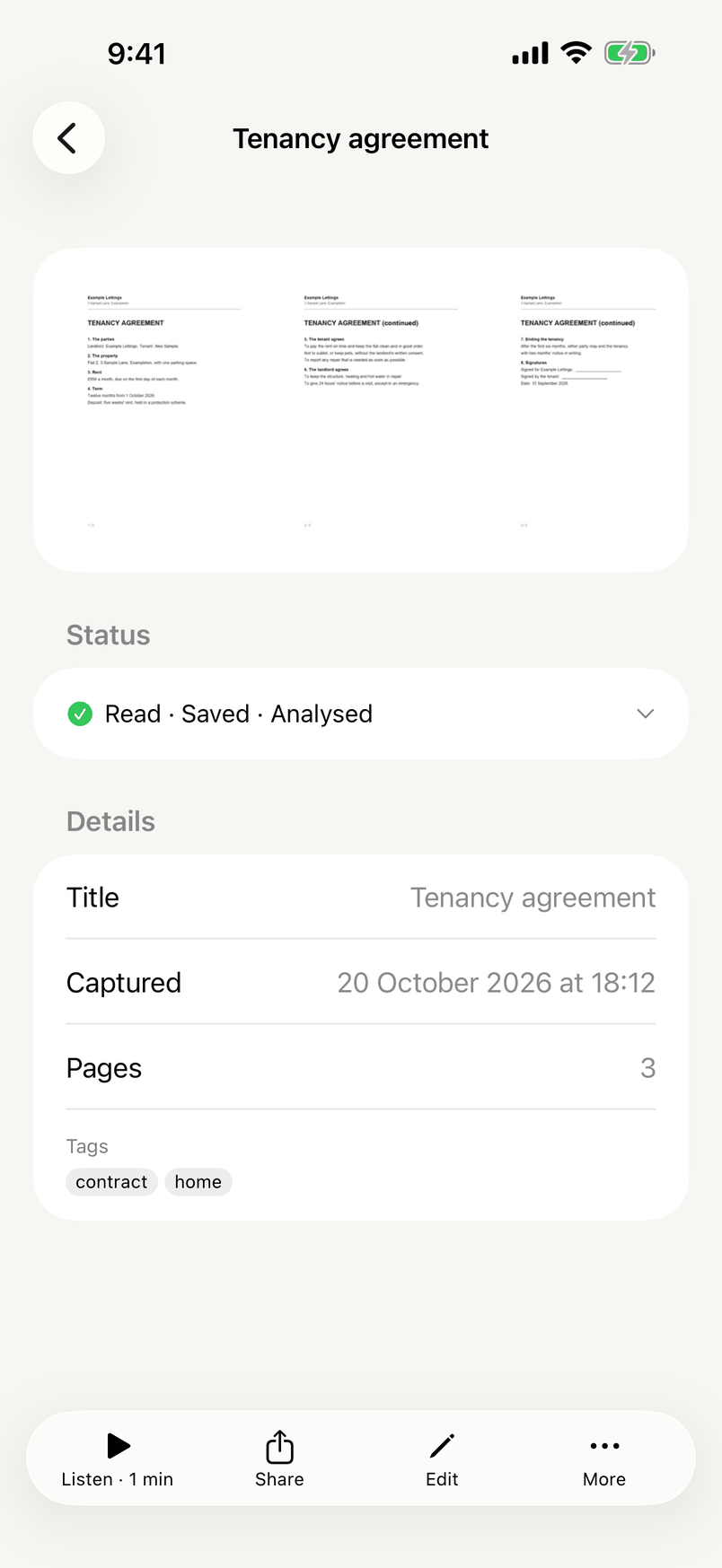
Sample documents, invented for these screenshots.
What it does
- Built
Scan page after page
The camera outlines the page as you hold it and takes it by itself, page after page. Each page is straightened, cleaned up and checked, so a blurred one is caught before you move on.
- Built
Find it by its words, not by folders
Your iPhone reads every page, in English, Czech, German, French and Spanish. Search finds a document by any word on it, so there are no folders to keep tidy.
- Built
Details filled in for you
Turn on suggestions and Papers fills in who sent a document, its date, the amount, the due date and what kind of document it is. It is off until you turn it on; the text, never the pages, is then sent to an AI model in the EU.
- Built
On all your devices
Sign in and your documents, their text and your changes are kept in our cloud in the EU and appear on your other devices. The archive on your iPhone still works with no connection.
- Built
Never miss a bill
Give a bill its due date and Papers reminds you three days before and on the day. Mark it paid; "To pay" lists the rest.
- Built
Forward it to your archive
Papers gives you a private email address. Forward a bill or a statement from an address you have allowed, and its attachments arrive as documents.
- Built
Share a link that runs out
Send a document as a link that stops working after the time you choose, up to 30 days, or after the number of opens you choose, up to 25. Add a password, or revoke it at any time. It is encrypted on your iPhone before it leaves, and anyone with the link can open it. What we see when a link is opened.
- Built
Listen to what you scanned
Have a long letter, a contract or your notes read aloud by your iPhone's voice. Stop, and pick up where you left off on any of your devices.
- Built
Spaces for home and work
Keep Personal, Work, School or any space you name apart. Search, "To pay" and everything else follow the space you are in.
- Built
From any app
Share a PDF or a picture to Papers from Mail, Safari or Files, and it is filed as a document.
- Built
Locked with Face ID
Lock the app with Face ID or your passcode. On the iPhone, your documents are protected by iOS Data Protection.
- Coming
No new password
Sign in with your Google account today; Sign in with Apple comes with the first release.
How it works
- Built
Scan or forward
Point the camera at a page, share a file from another app, or forward an email.
- Built
Read on your iPhone
Your iPhone reads the text on the page itself, in English, Czech, German, French and Spanish.
- Built
Find it anywhere
Search the text on your pages, your titles and your tags, on any of your devices, with or without a connection.
On your iPhone and in the EU
BuiltOn your iPhone, your documents and their text are protected by iOS Data Protection, which encrypts them when your iPhone has a passcode. The app lock, with Face ID or your passcode, controls who can open the app; it does not add encryption.
When you sign in, a copy is kept in our cloud in the EU, encrypted while stored with keys we manage, and kept across at least three availability zones within one EU region: separate groups of data centres, each with its own power and network.
Join the waitlist
We will write when there is something to try, and ask what matters most to you before launch.
Questions people ask
Does it work without internet?
Yes. Scanning, reading the text and search all happen on the phone itself. Syncing to your other devices waits until you are back online.
Which languages does search understand?
English, Czech, German, French and Spanish. The interface is English for now.